Presets
Use Presets to build and select pre-configured settings for the camera.


The Presets menu contains the following:
|
Items |
Details |
|---|---|
|
Create camera setting presets |
|
|
Manage presets stored on the media |
|
|
Manage presets stored in the camera |
Create Preset

Use Create Preset to select the current camera settings you want to use to create a preset list of settings.
You can select settings individually:
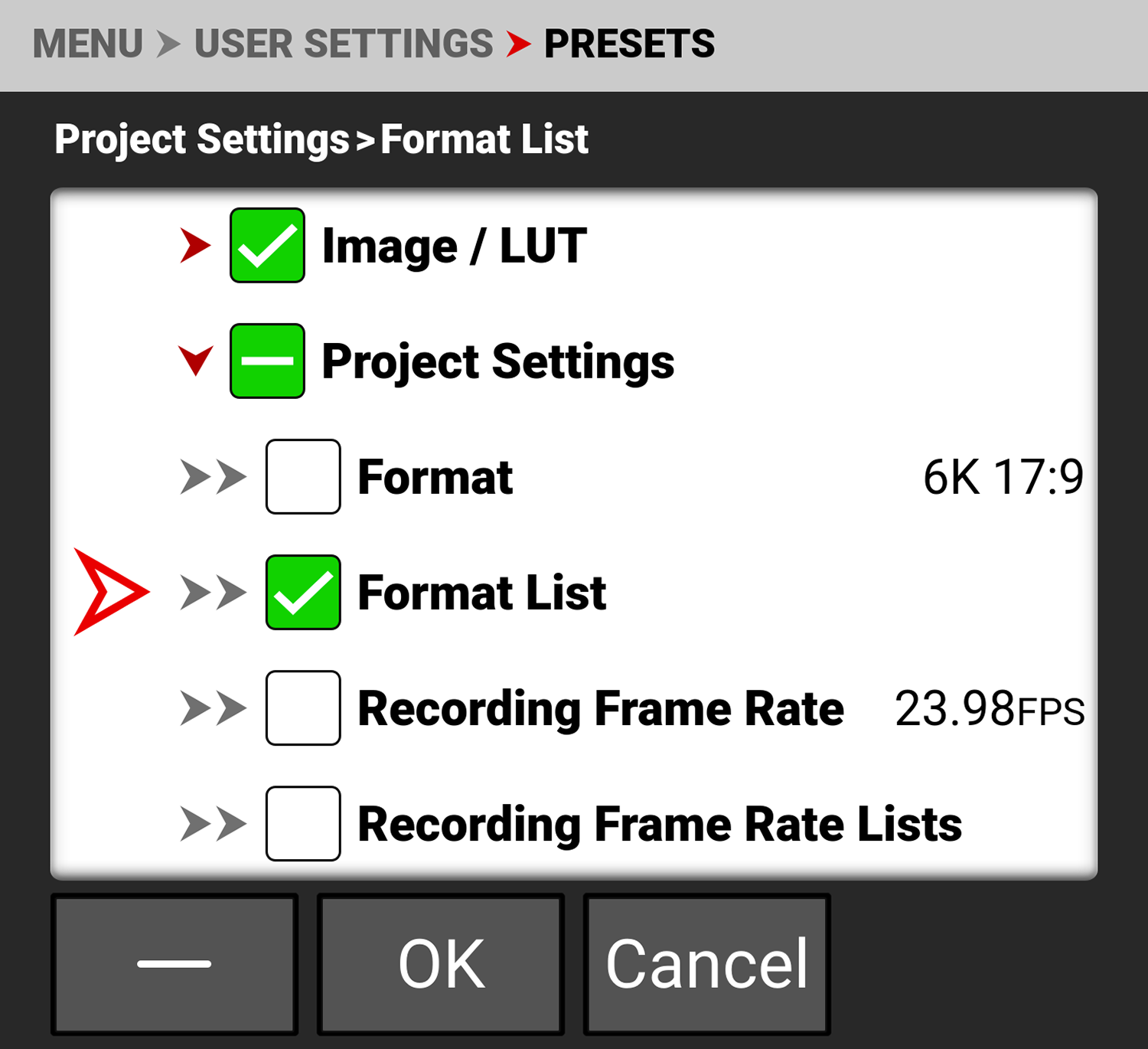
You can also use the menu checkmark button to select all of a menus settings as a preset:

Click OK to create the preset. The Create Preset screen opens. Enter your Preset name and tap OK. The Preset is saved to the camera.

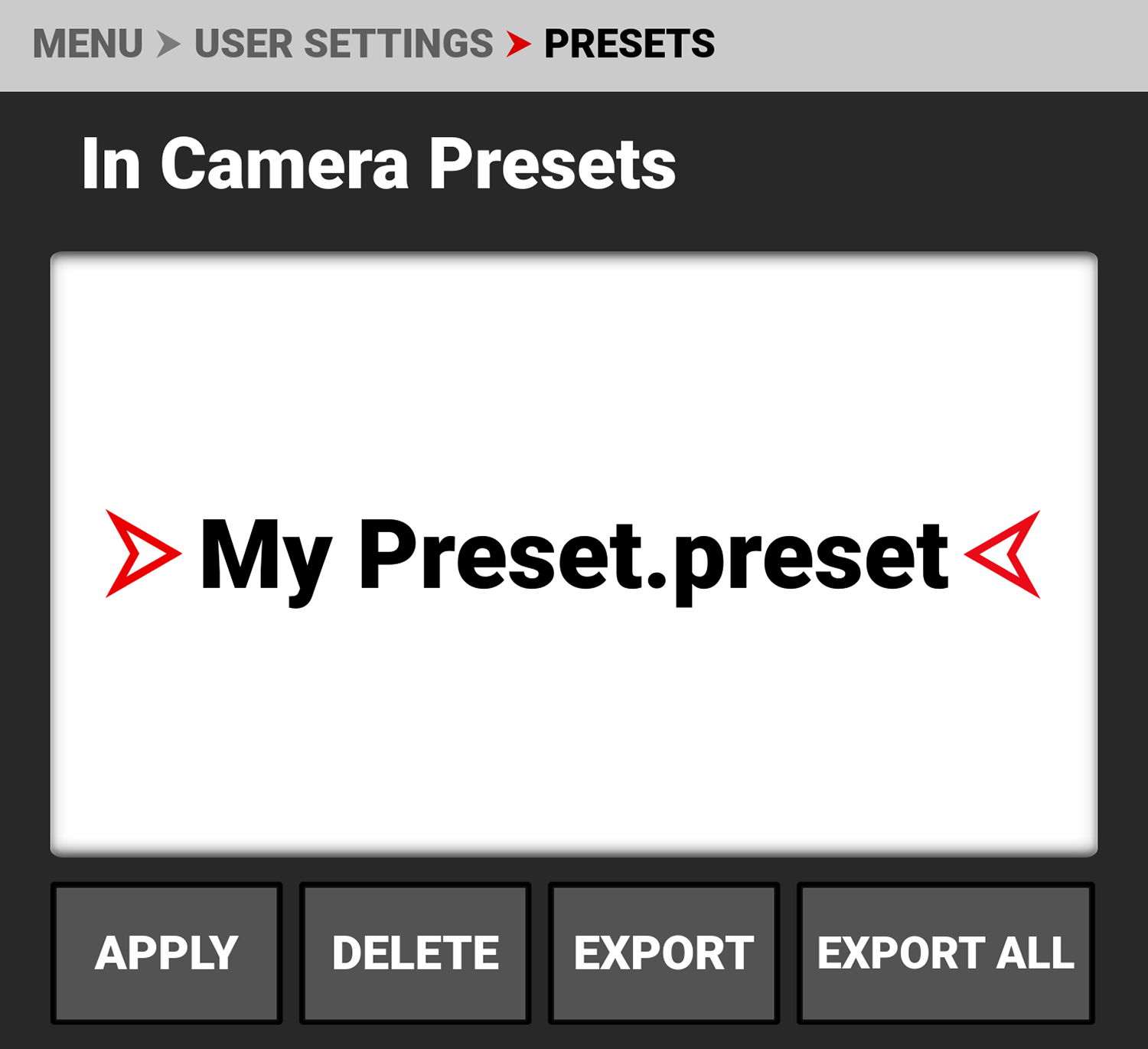
Enter your Preset name and tap OK. The Preset is saved to the camera (refer to In Camera Presets).


On Media Presets
|
|
You can import presets from the media to the camera. When importing presets from the media to the camera, the presets are saved to a folder on the camera called “presets”. From On Media Presets, you can import the selected preset from the media to the camera or import all of the presets from the media to the camera. |

In Camera Presets
|
|
You can export presets from the camera to the media. When exporting presets from the camera to the media, the presets are saved to a folder on the media called “presets”. From In Camera Presets, you can apply the selected preset to the camera, delete the selected preset from the camera, export the selected preset from the camera to the media, or export all of the presets from the camera to the media. |